If you are using the AWS Management Console to delete resources in your AWS account, you will see various deletion dialogues.
Because there are so many mechanism implemented in the UI, I started collecting them and also asked my co-workers to send me new dialogues when they discover some.
Let’s get started.
Simple confirmation
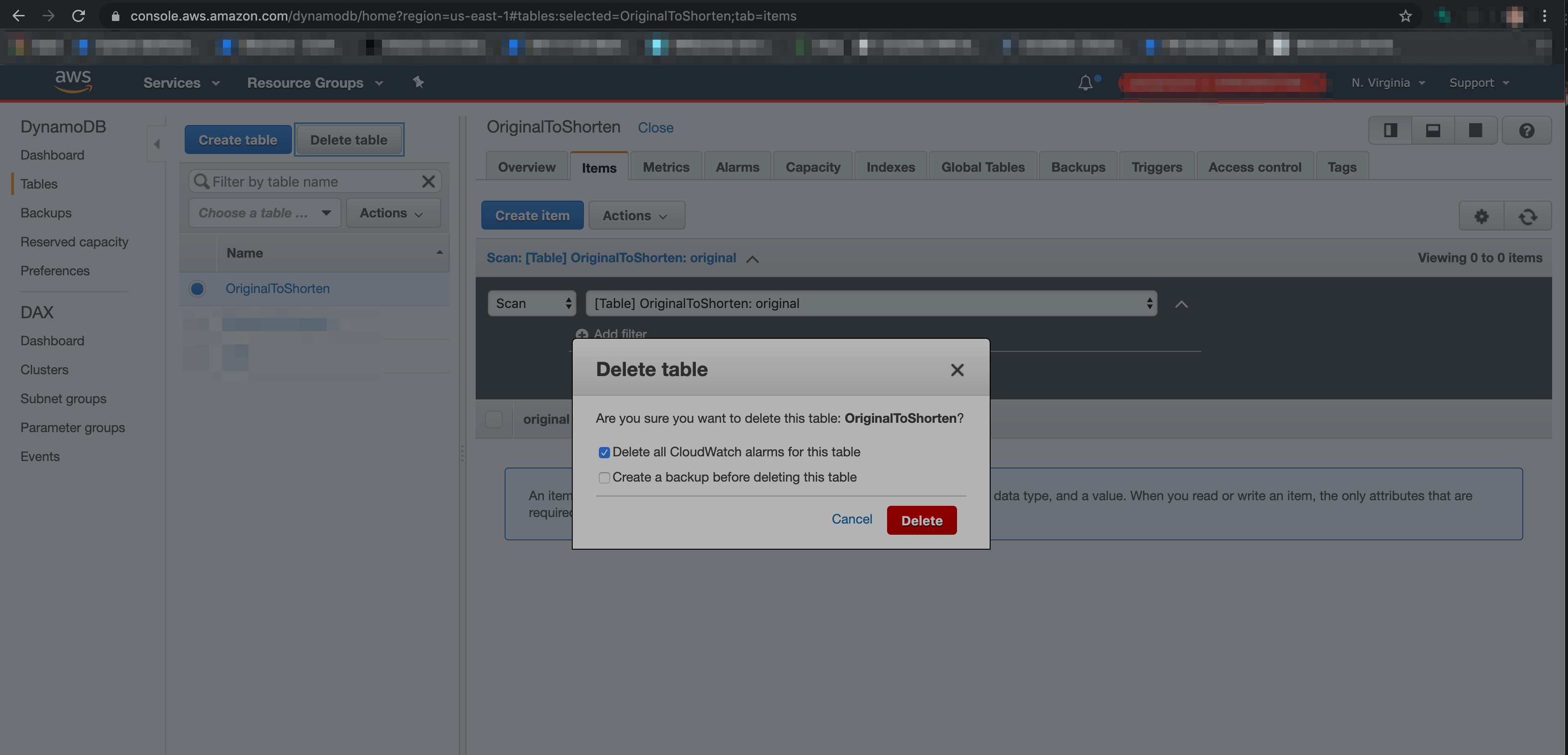
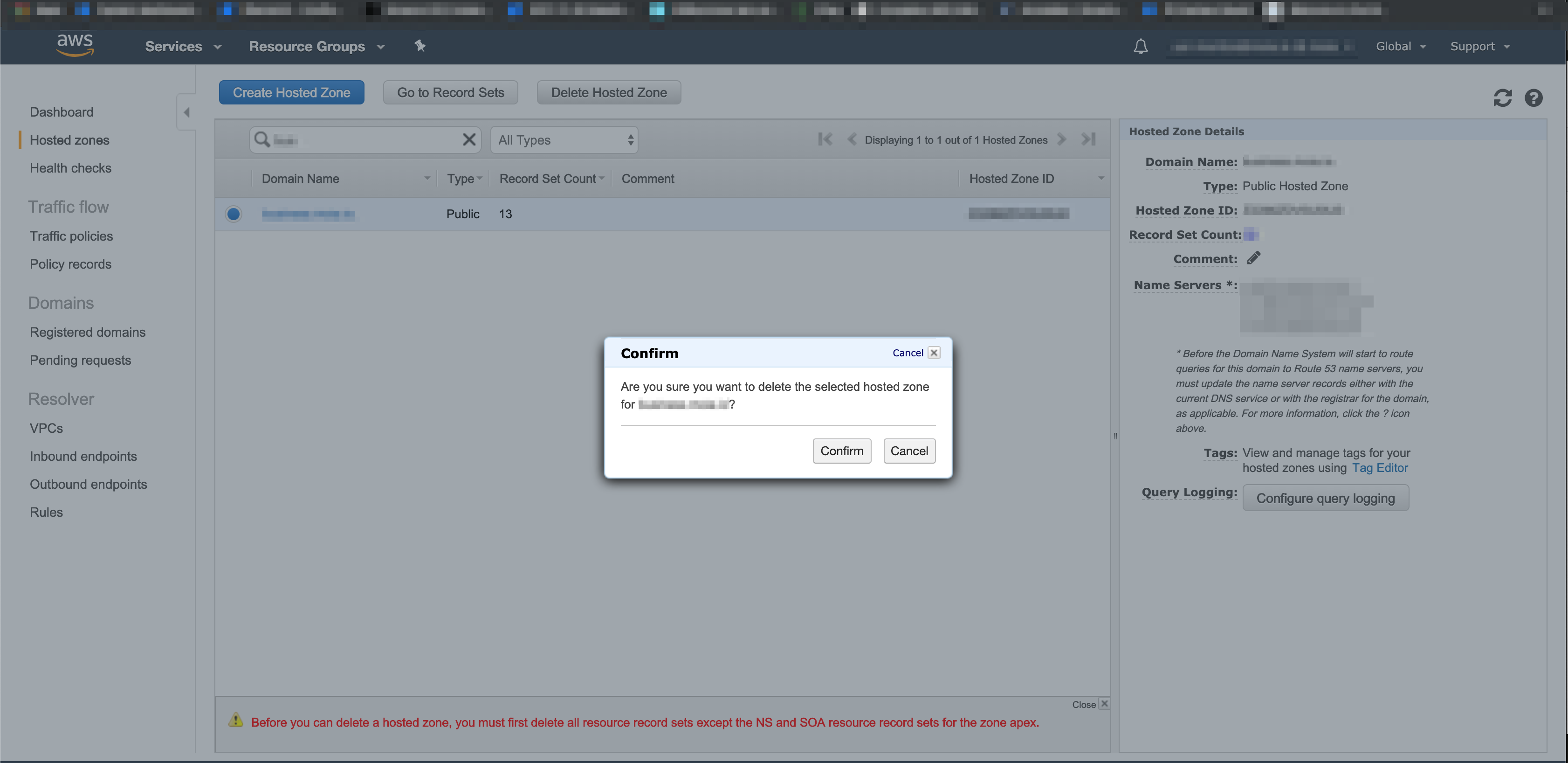
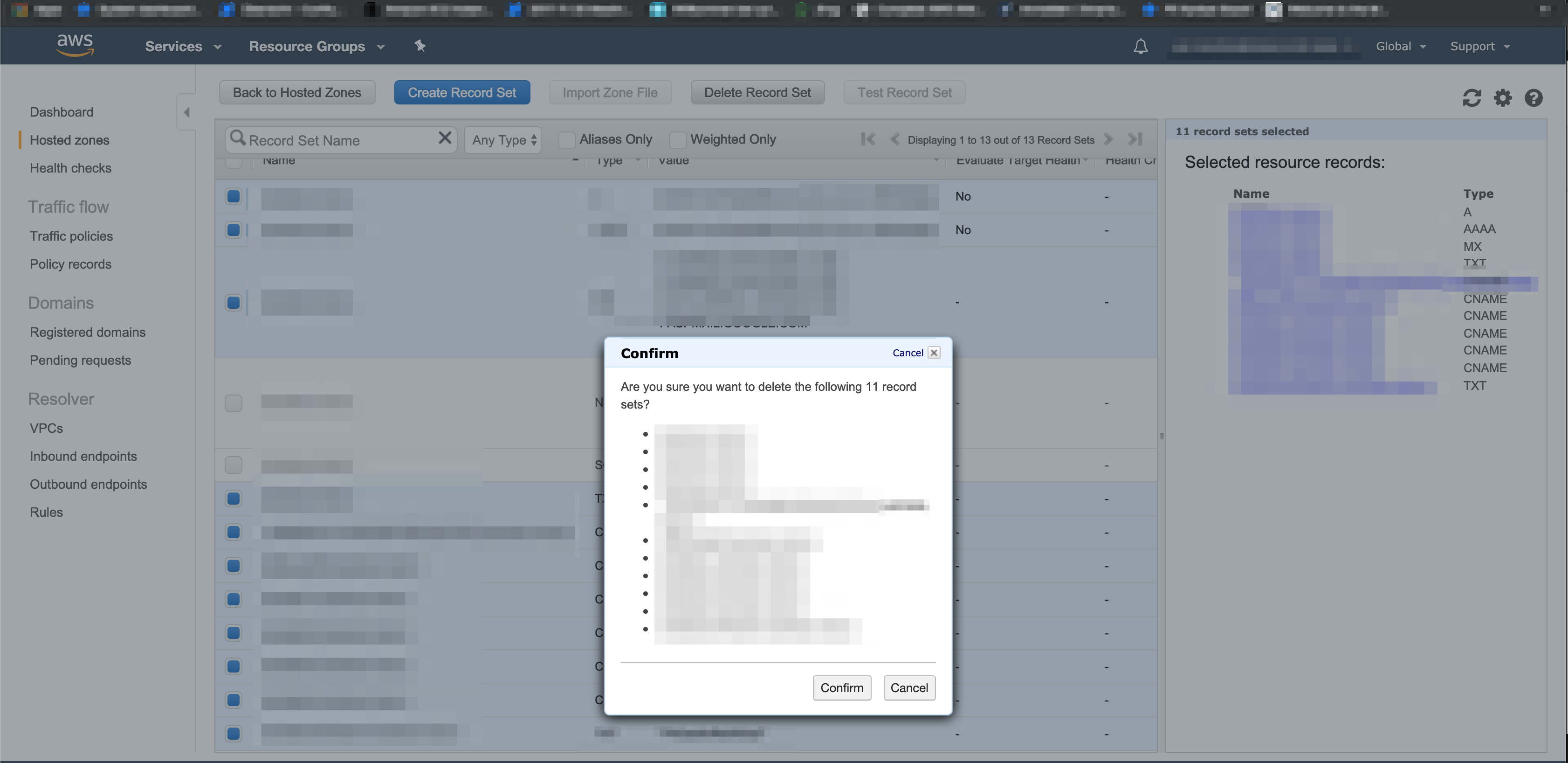
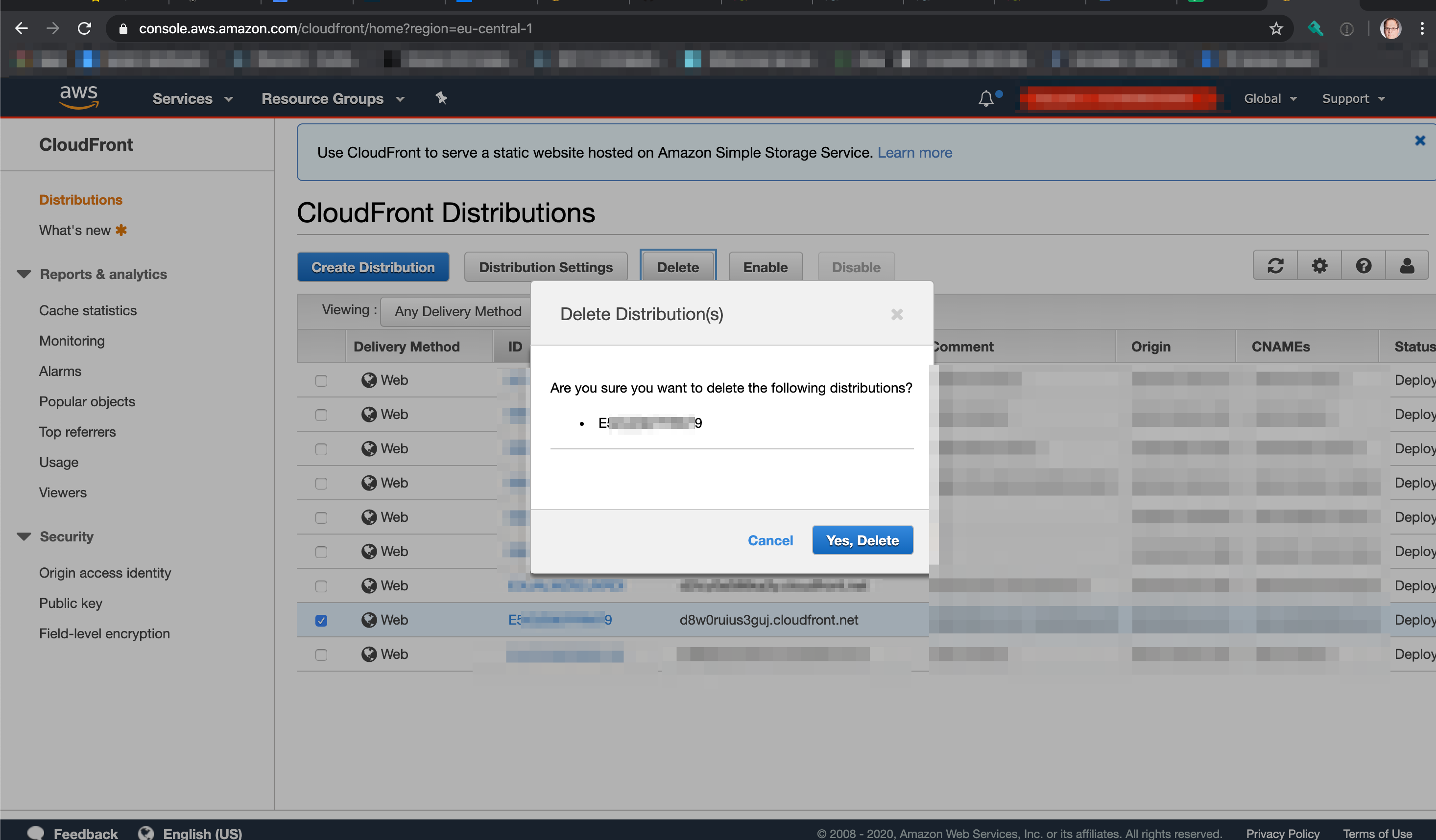
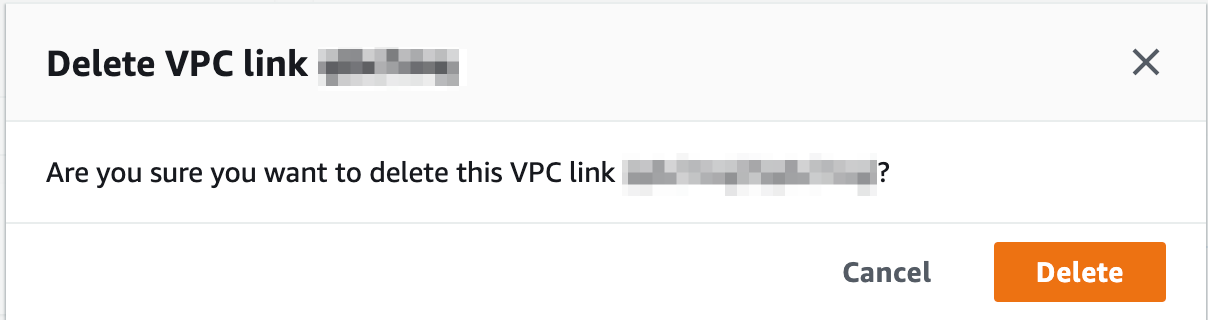
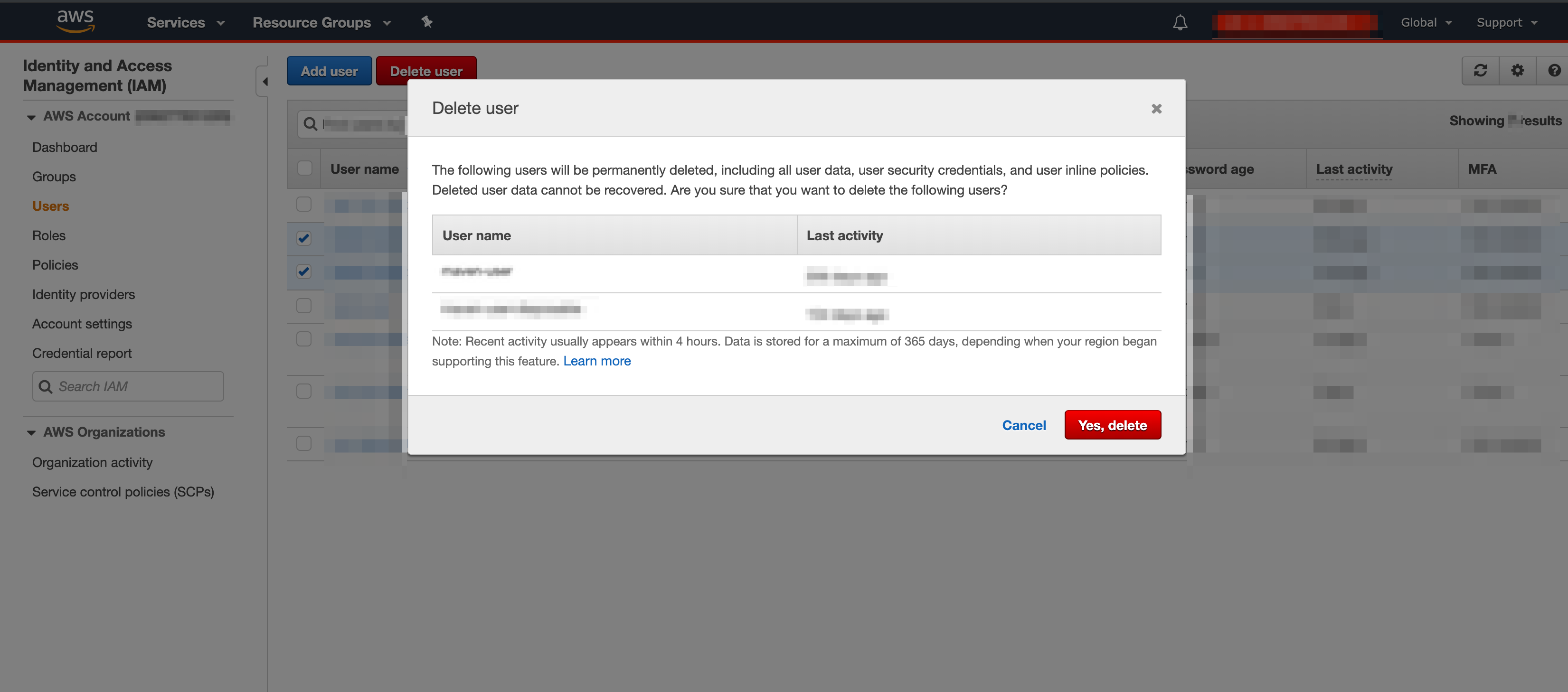
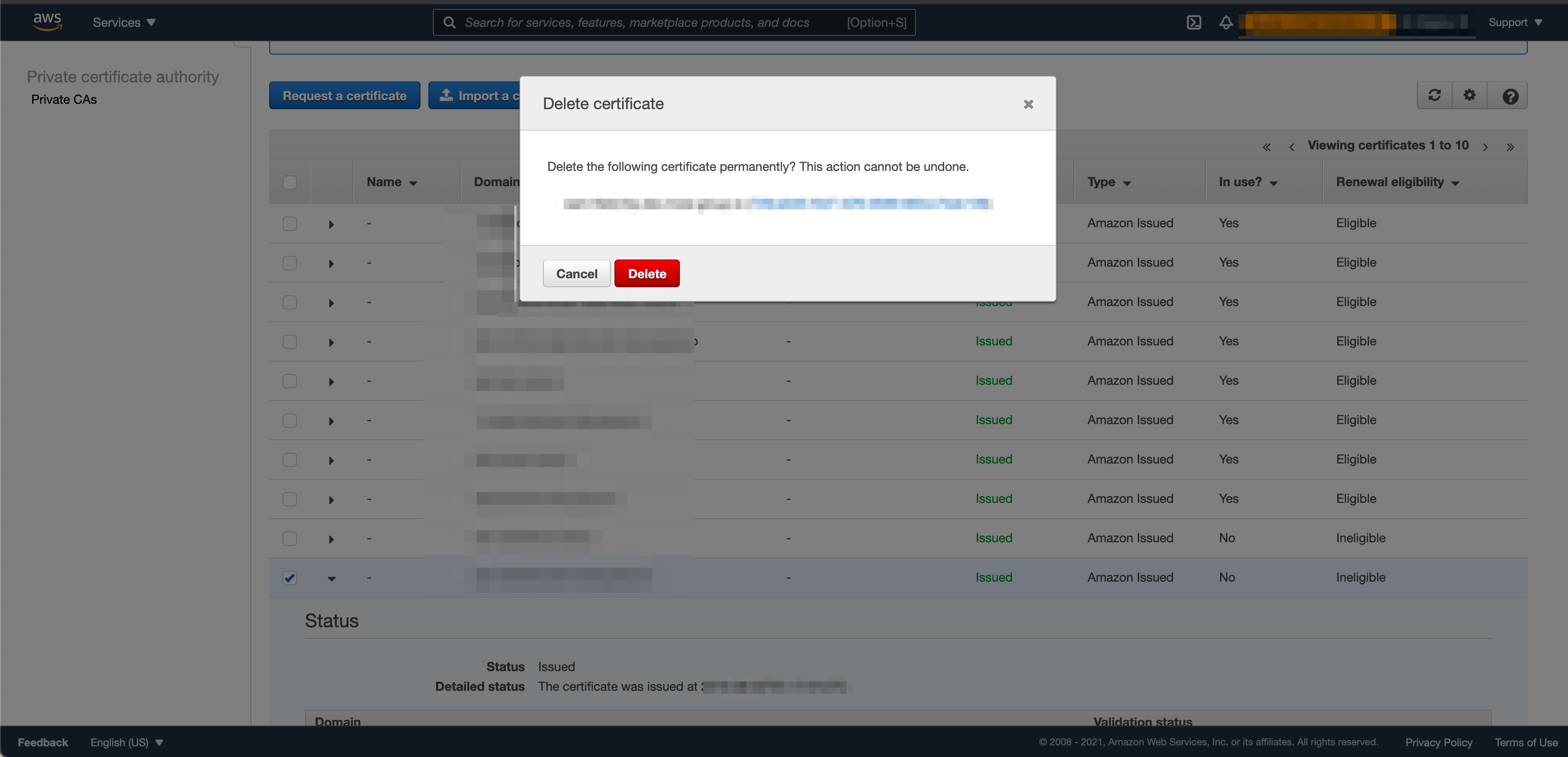
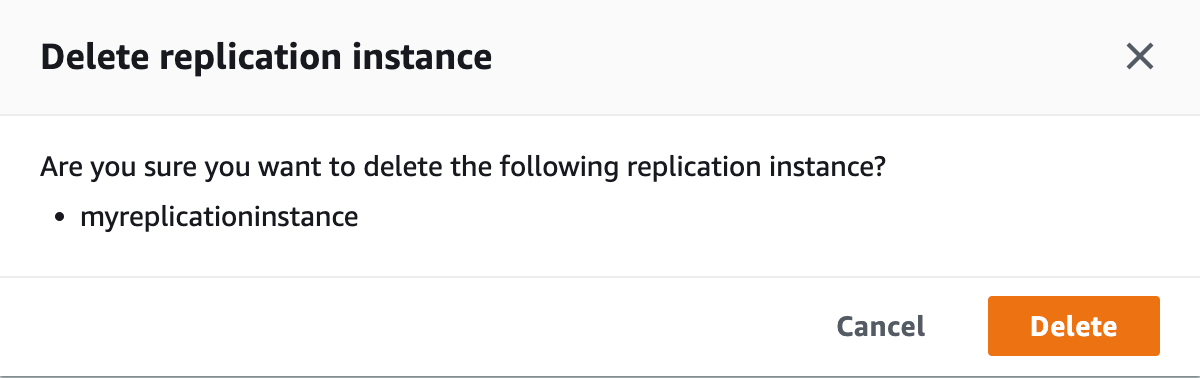
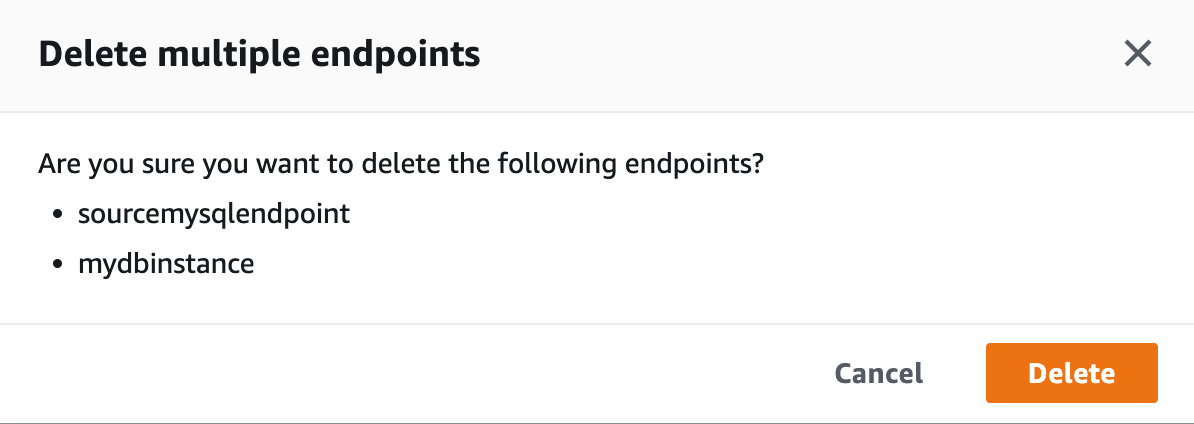
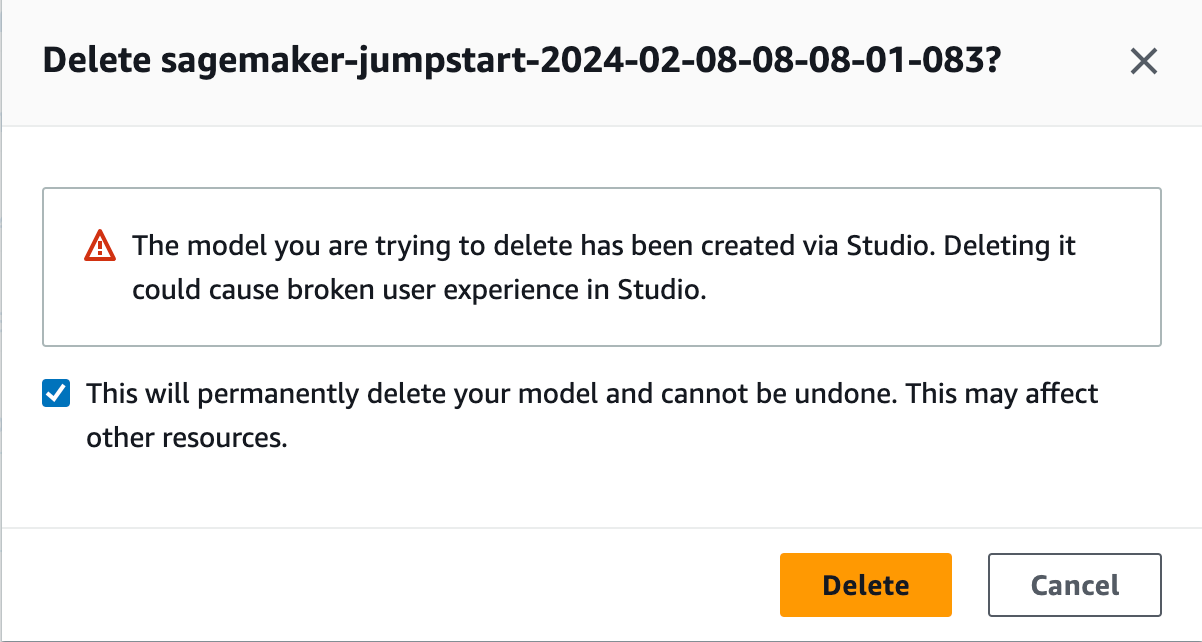
The first category are very simple confirmation dialogues, where you just have to click a button to confirm the deletion.
Watch out for the different colours (blue, organge, red, grey), position (left or right from the cancel button) and texts (“Confirm”, “Yes, Delete”, “Yes, delete”, “Delete”).
- DynamoDB table
- Route53 Hosted Zone (10/2019)
- Route53 Record Sets (10/2019)
- Cloudfront Distribution (03/2020)
- VPC link (05/2020)
- IAM users
- ACM certificate (01/2021)
- DMS replication instance (10/2022)
- DMS endpoints, multiple (10/2022)
- SageMaker model (03/2024)
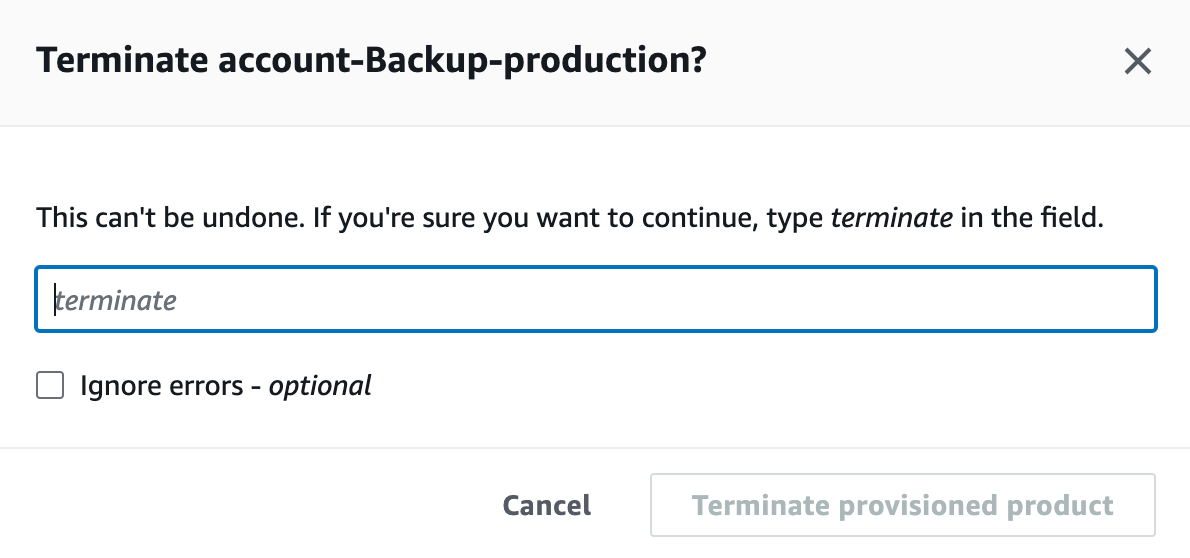
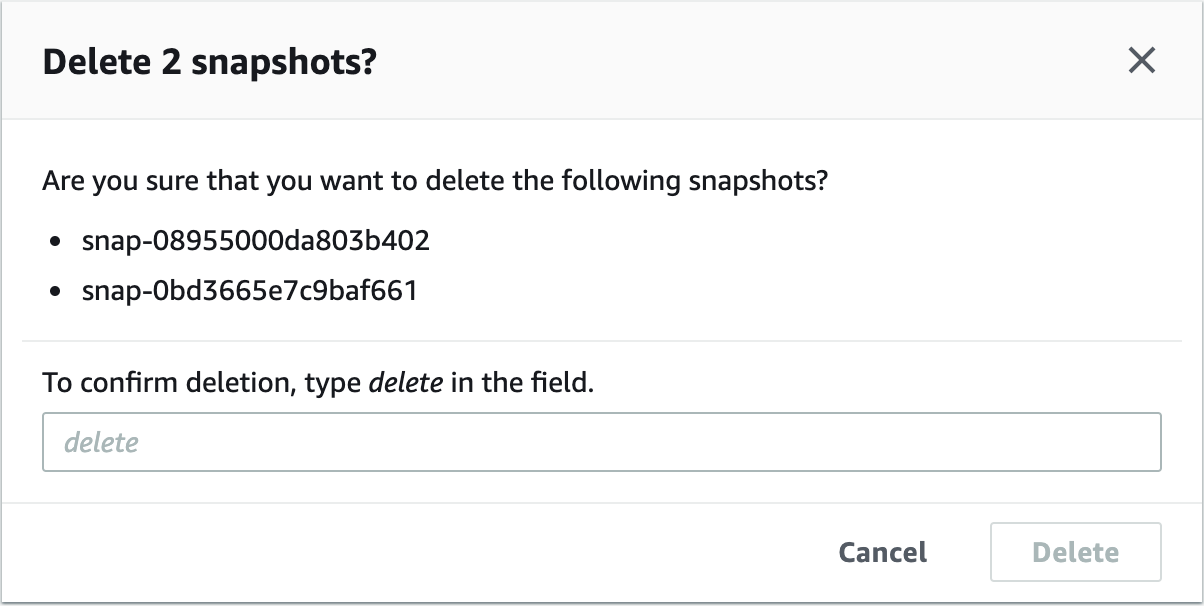
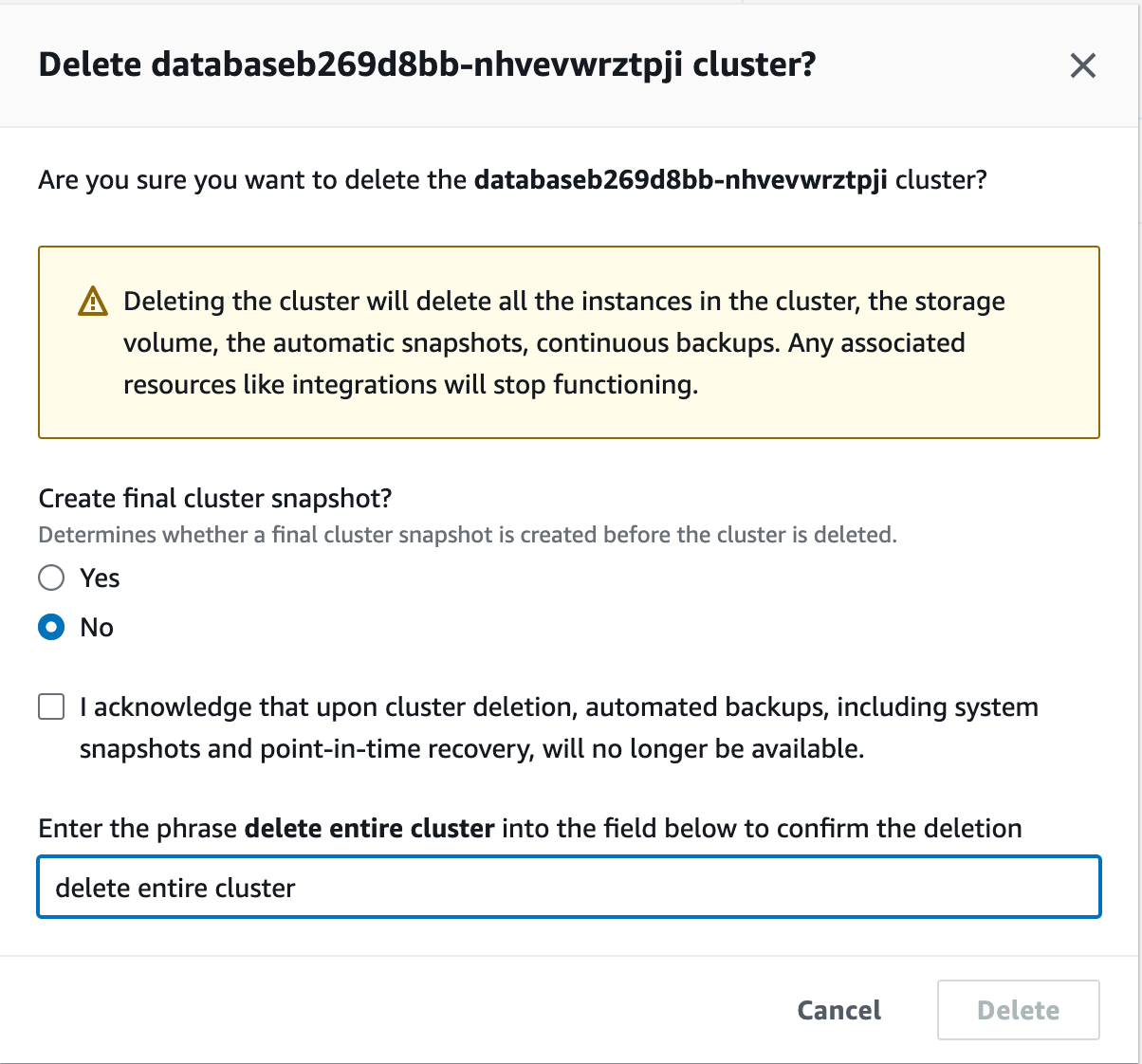
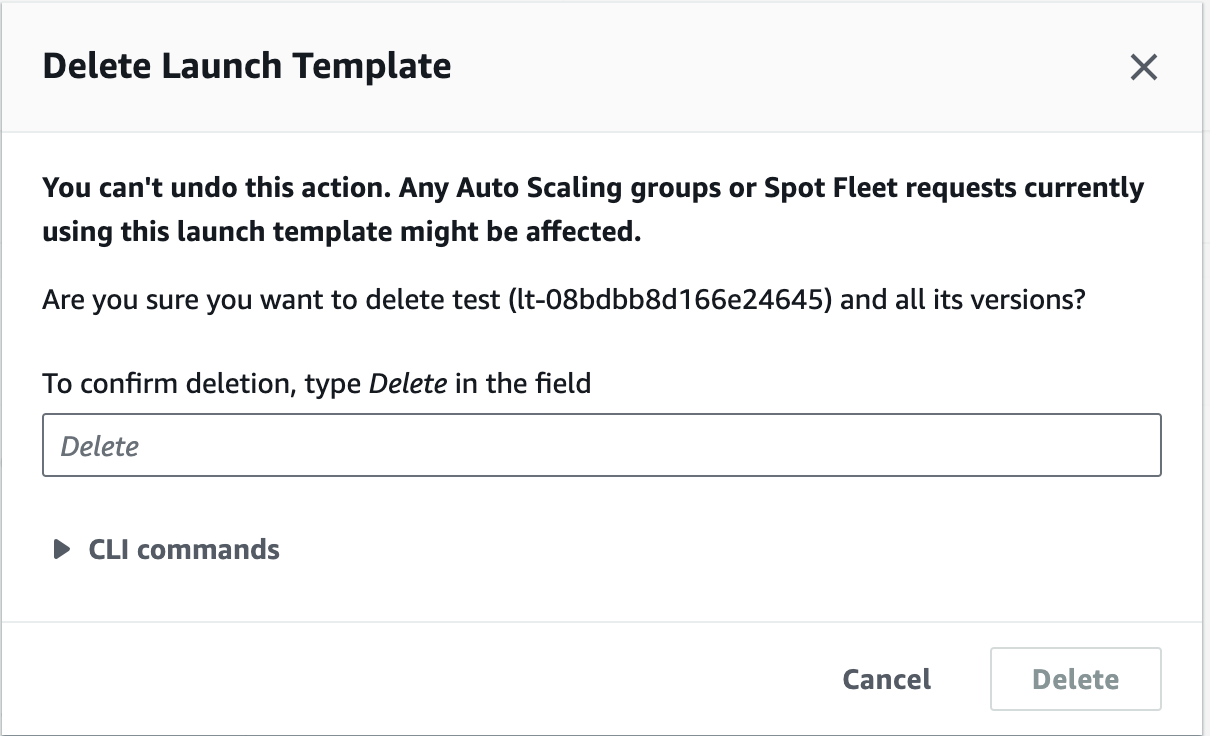
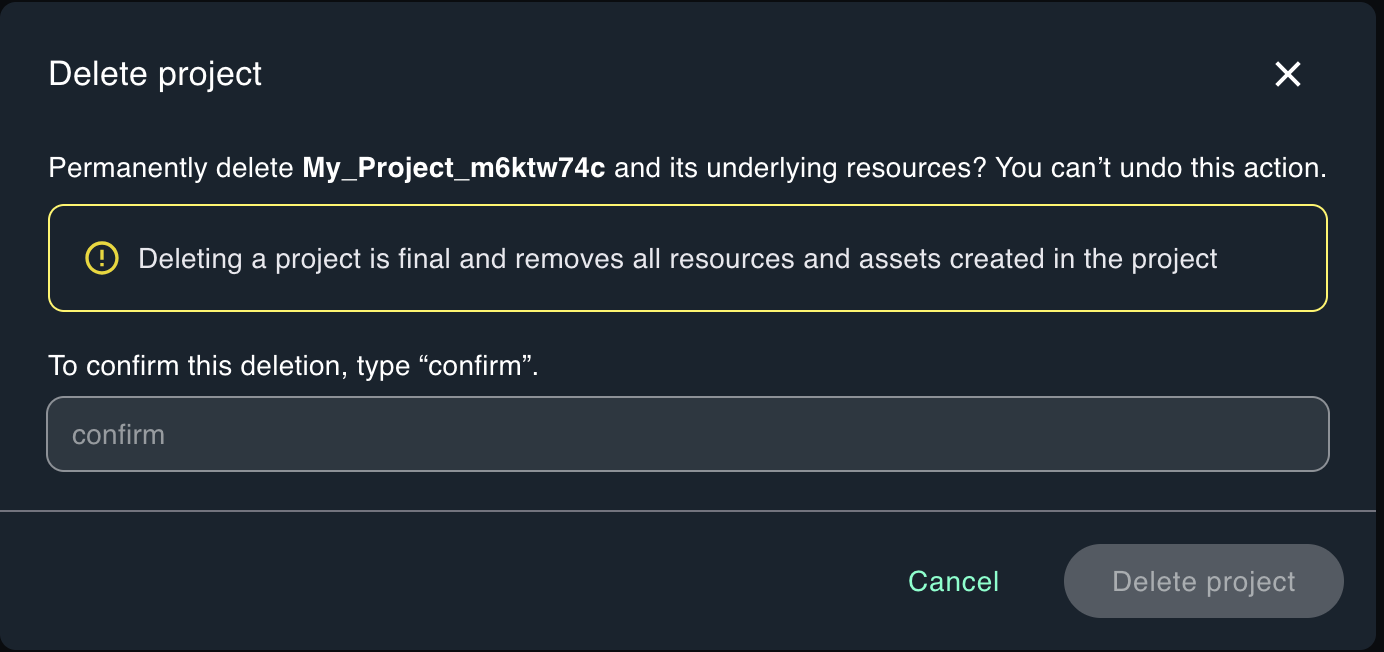
Type something like delete
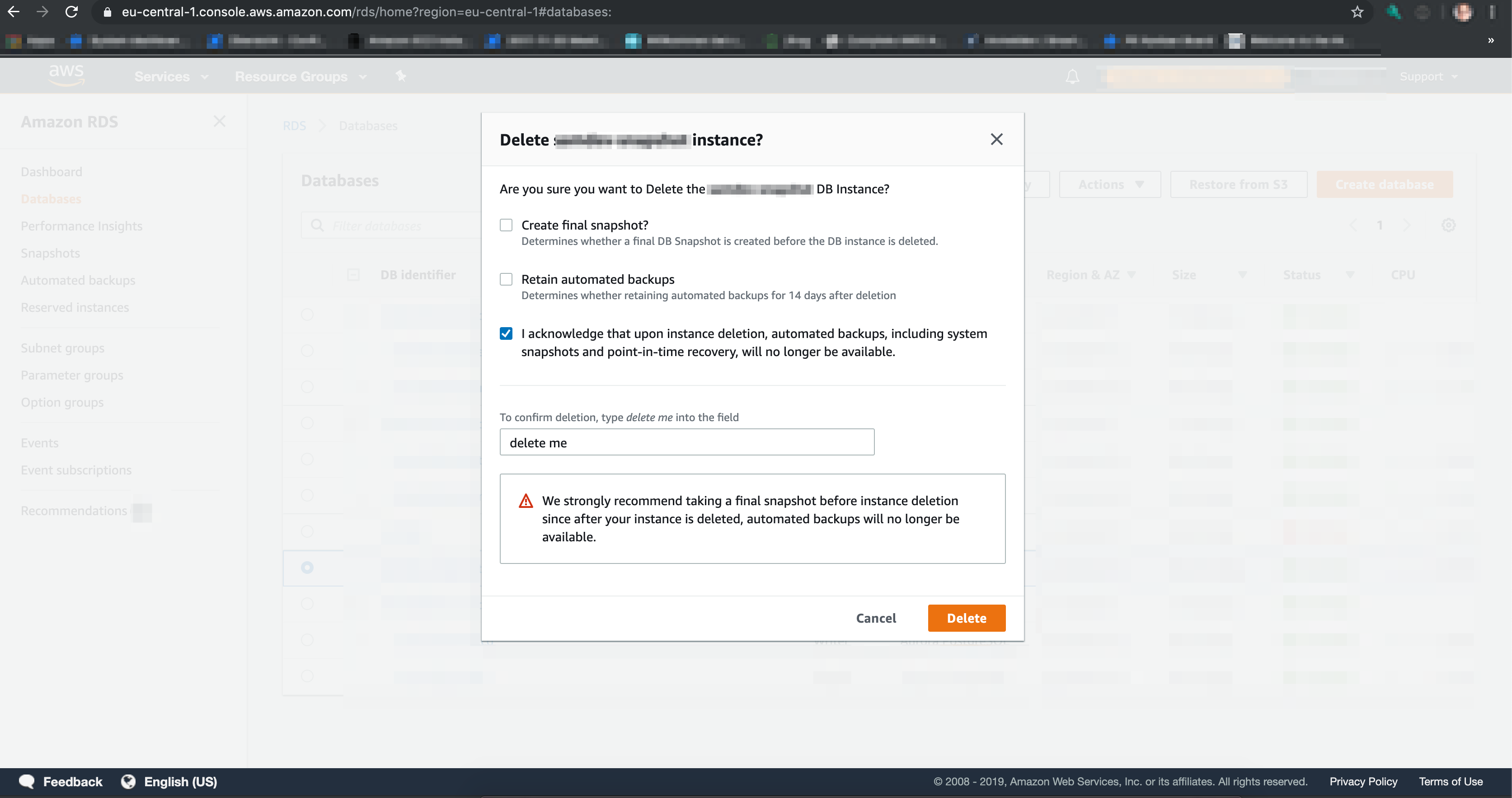
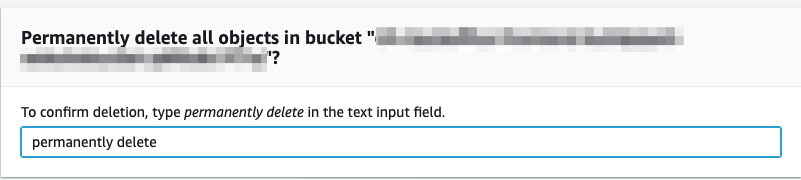
This category holds all dialogues where someone has to type something like delete into a textfield before deletion.
Of course the text one has to type changes through the different services (delete, delete me, delete permanently) and is sometimes also translated into the corresponding locale. Sometimes these dialogues even come with an additional checkbox to confirm that the action cannot be undone.
Sadly, not all of these dialogues even contain the name of the resource which gets deleted.
- RDS (09/2019)
- all objects in a S3 bucket (11/2020)
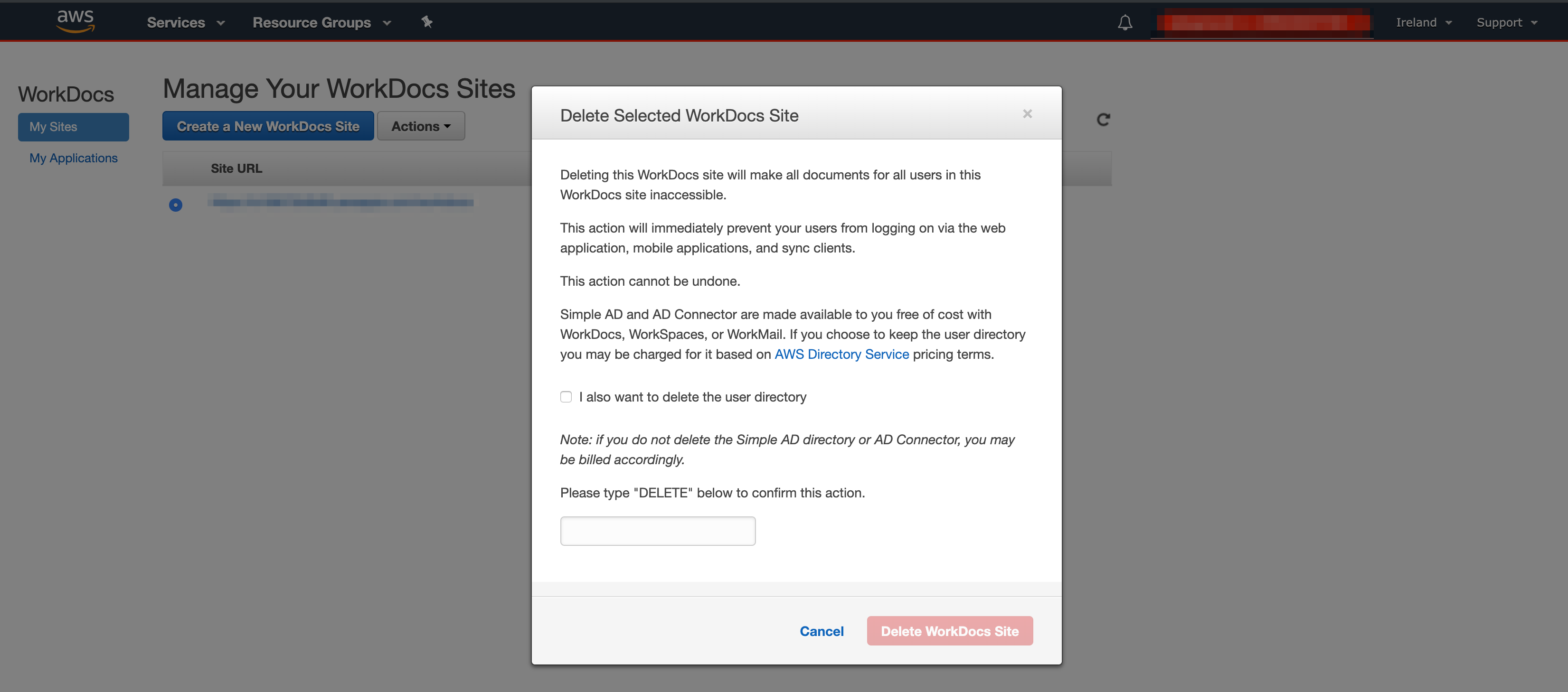
- Workdocs Site
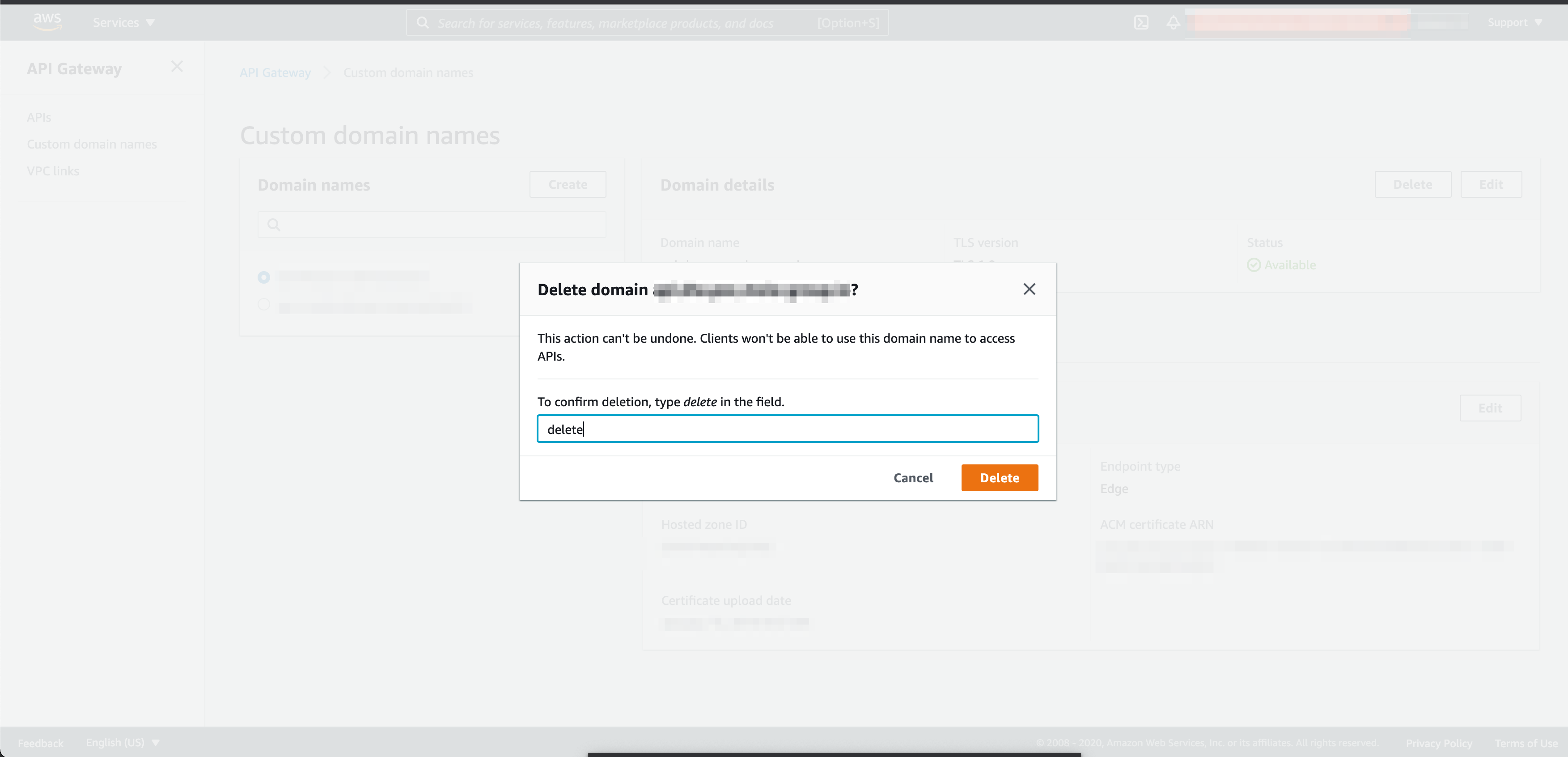
- API Gateway Domain (01/2021)
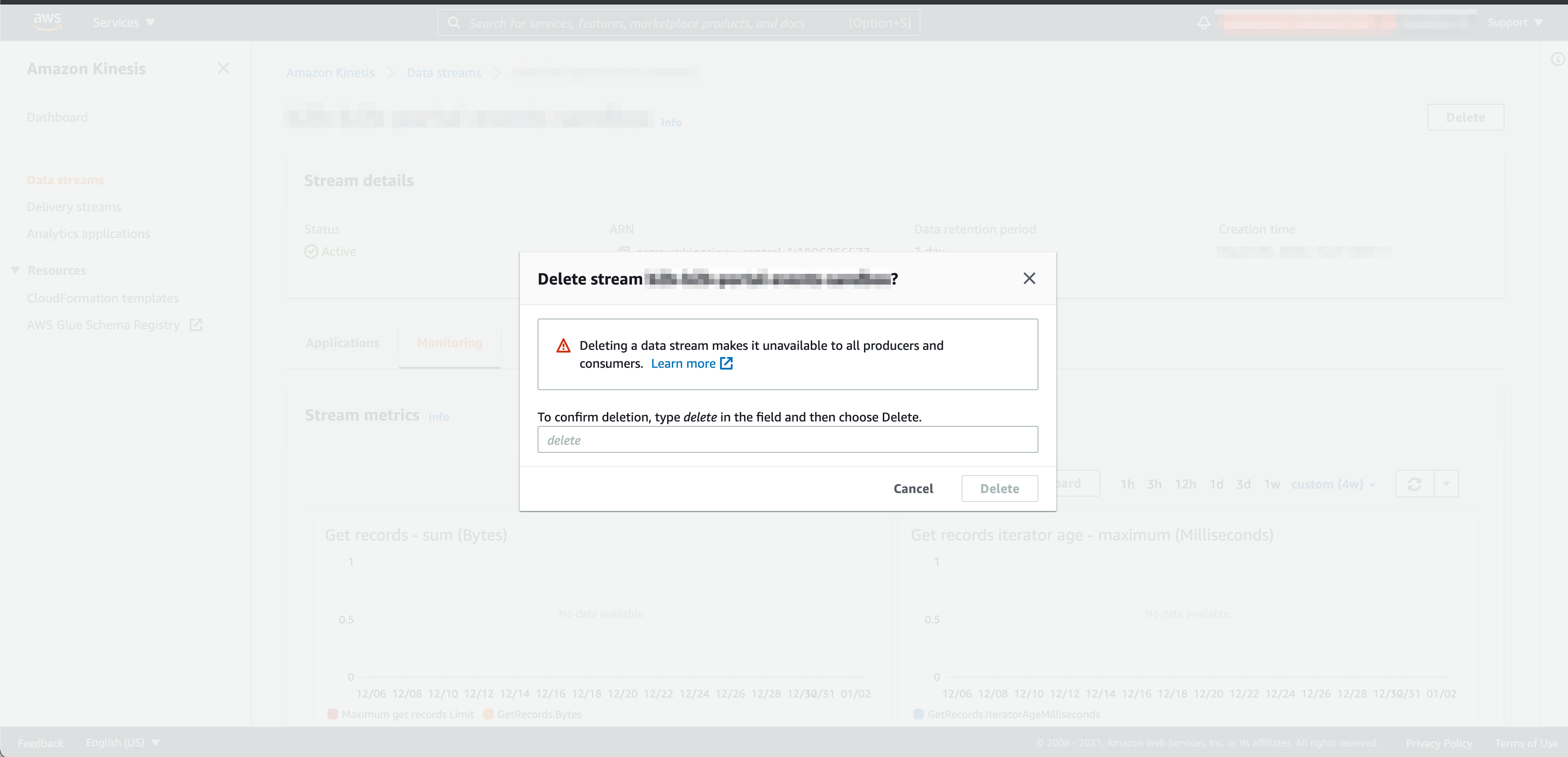
- Kinesis Data Stream (01/2021)
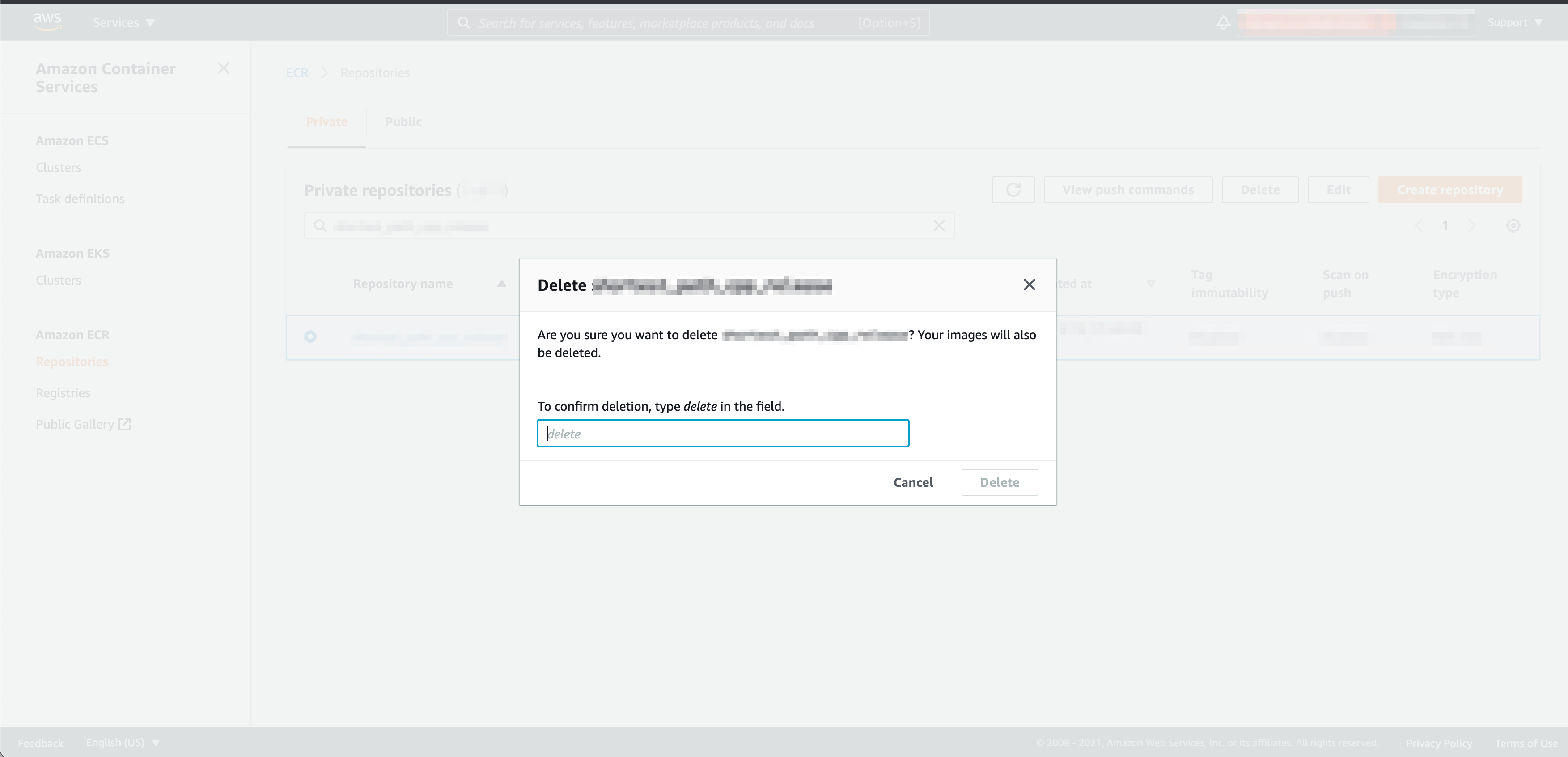
- ECR repository (01/2021)
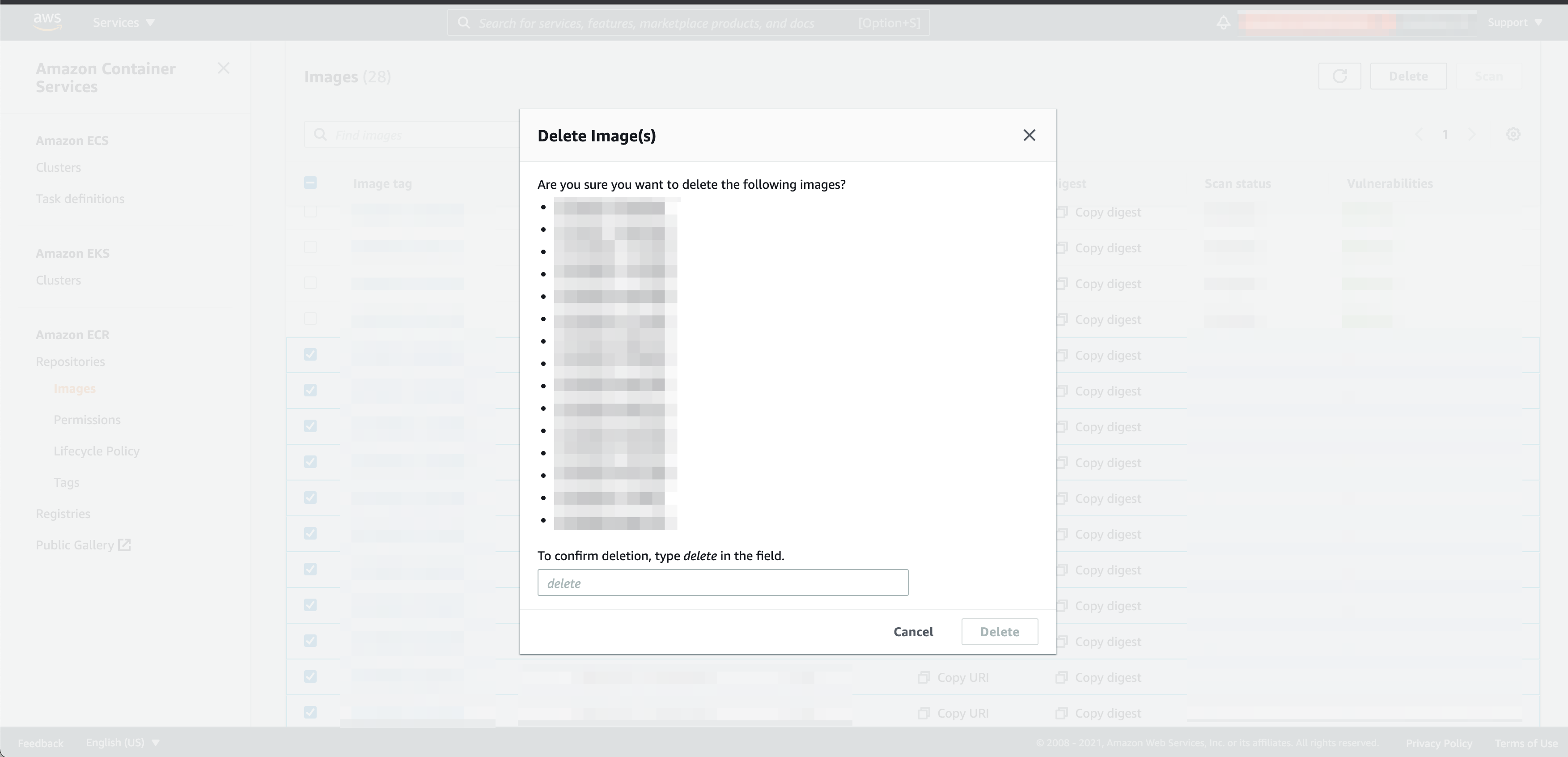
- ECR images (01/2021)
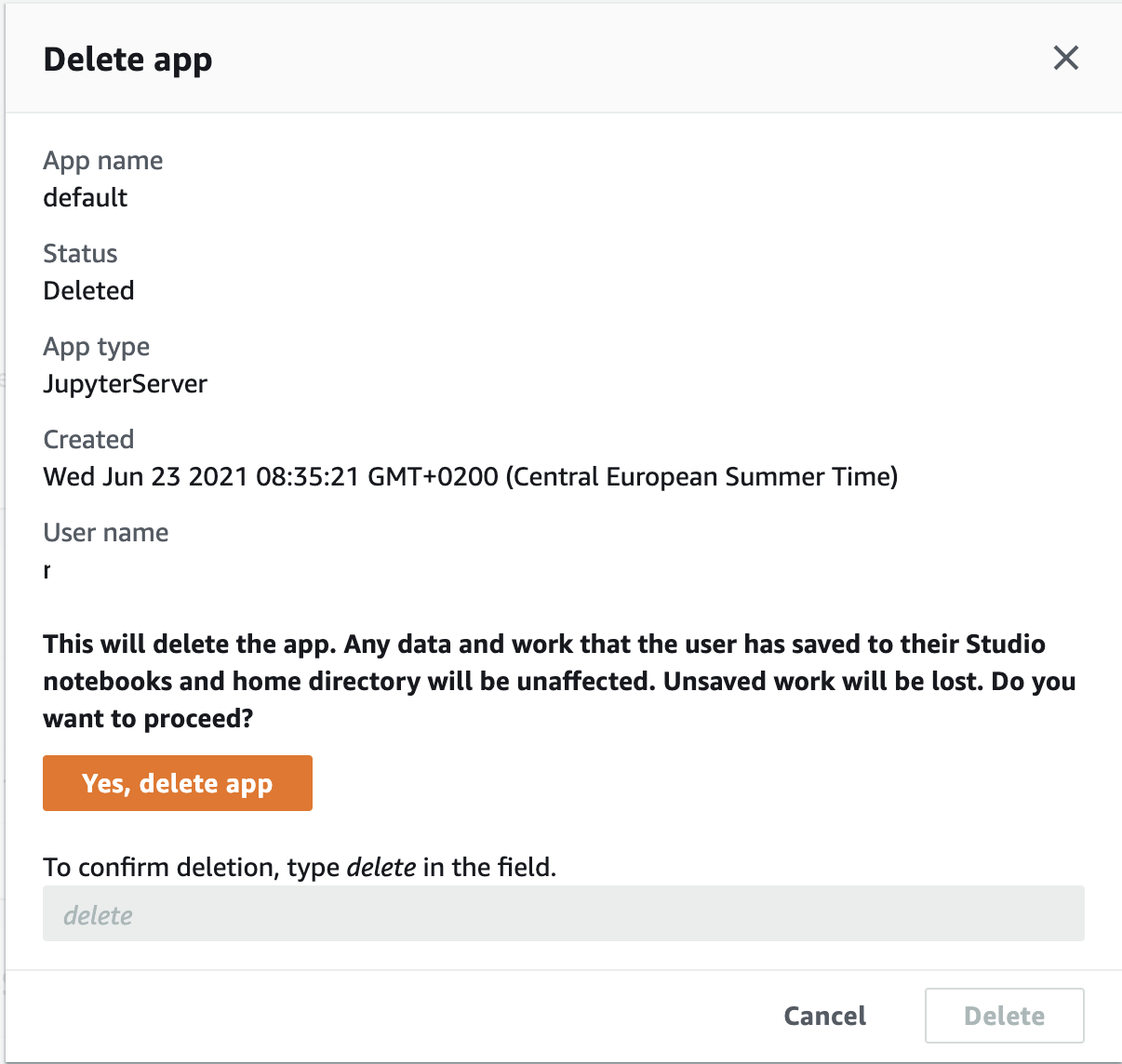
- SageMaker Studio app (10/2022)
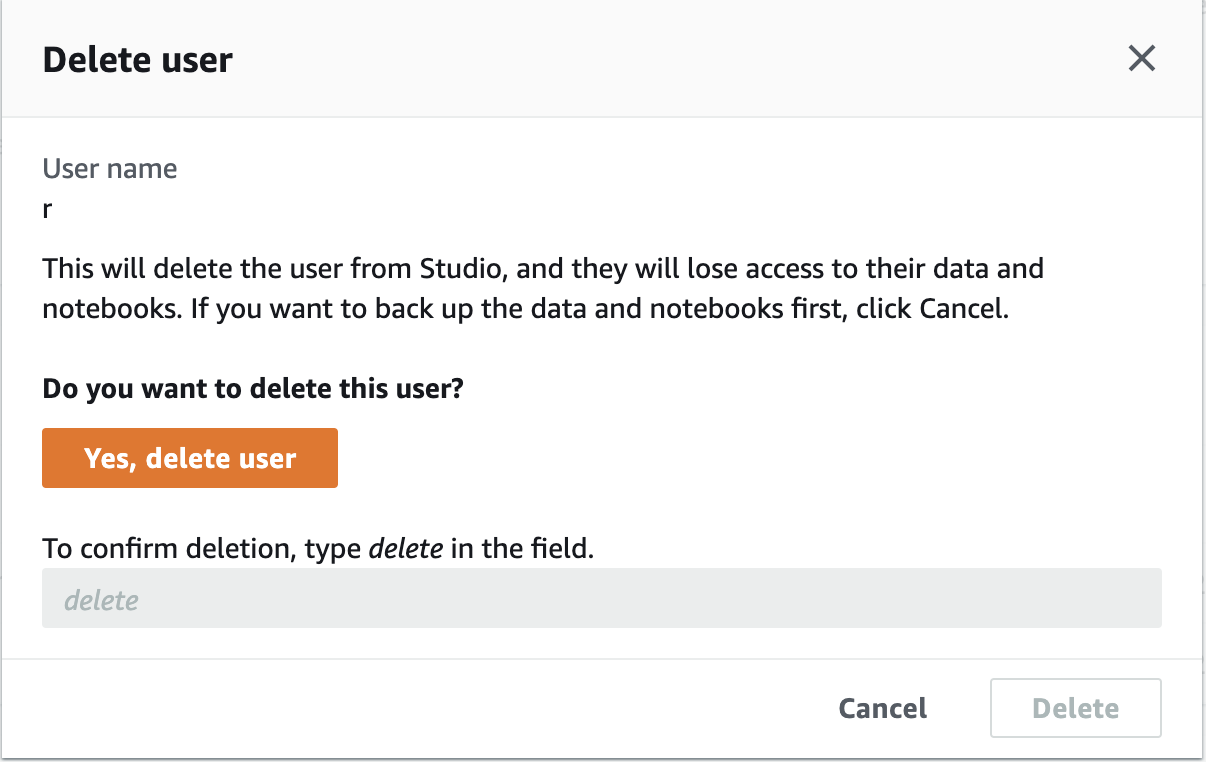
- SageMaker Studio user (10/2022)
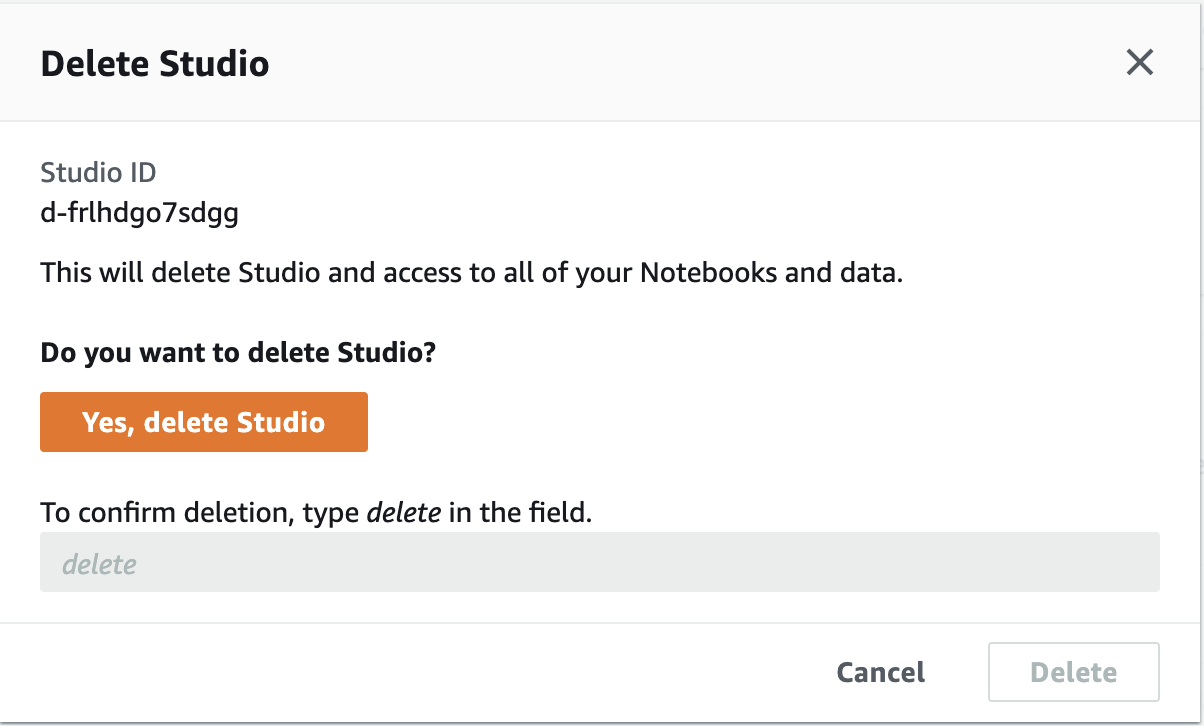
- SageMaker Studio (10/2022)
- Service Catalog provisioned product (03/2024)
- EC2 snapshots, multiple (10/2022)
- DocumentDB cluster (03/2024)
- EC2 Launch Template (03/2024)
- SageMaker Studio project (03/2024)
Type the name of the resource
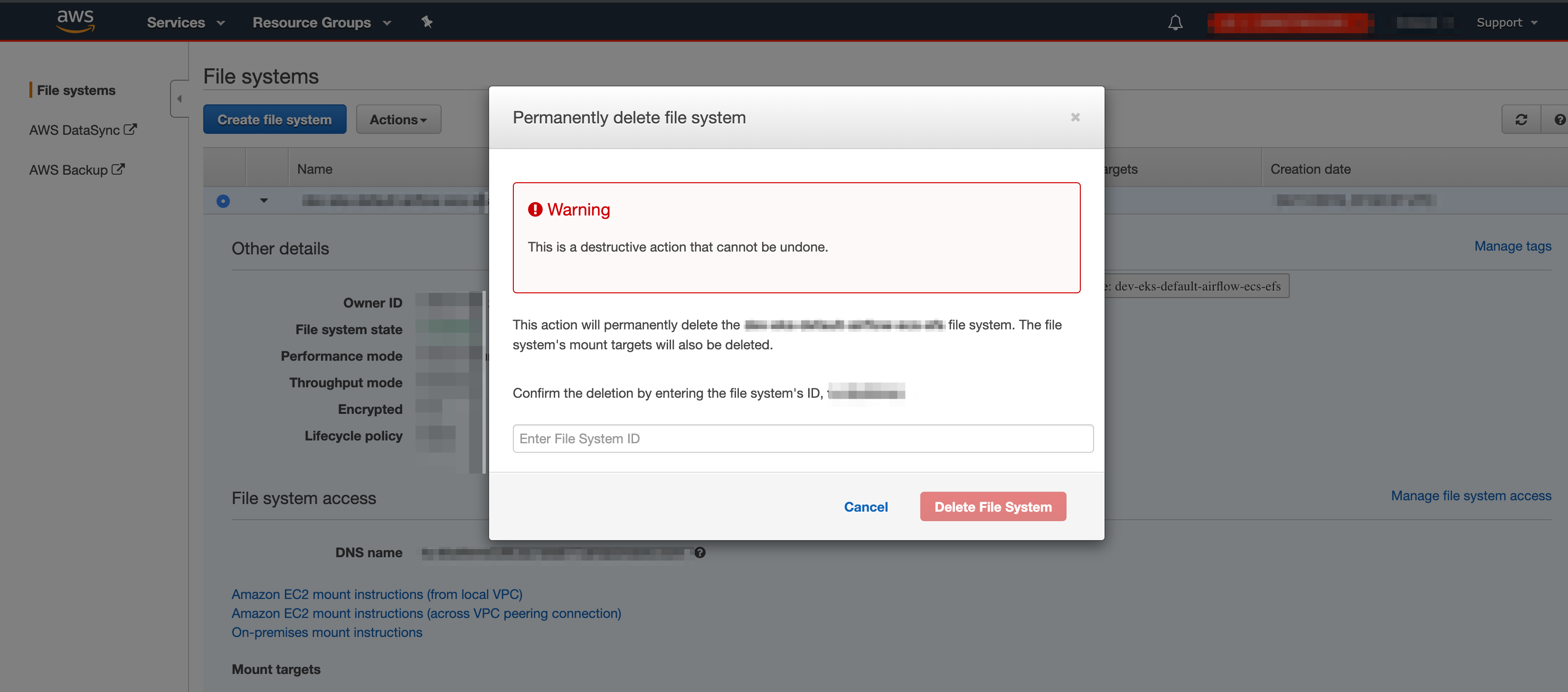
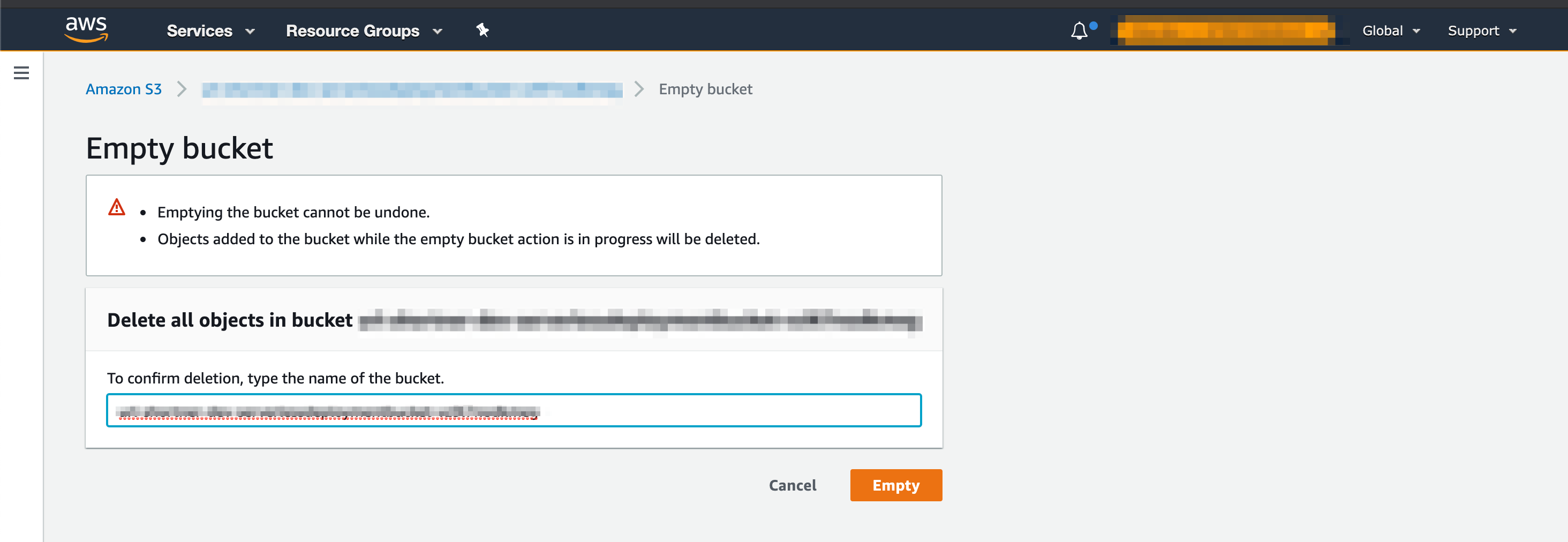
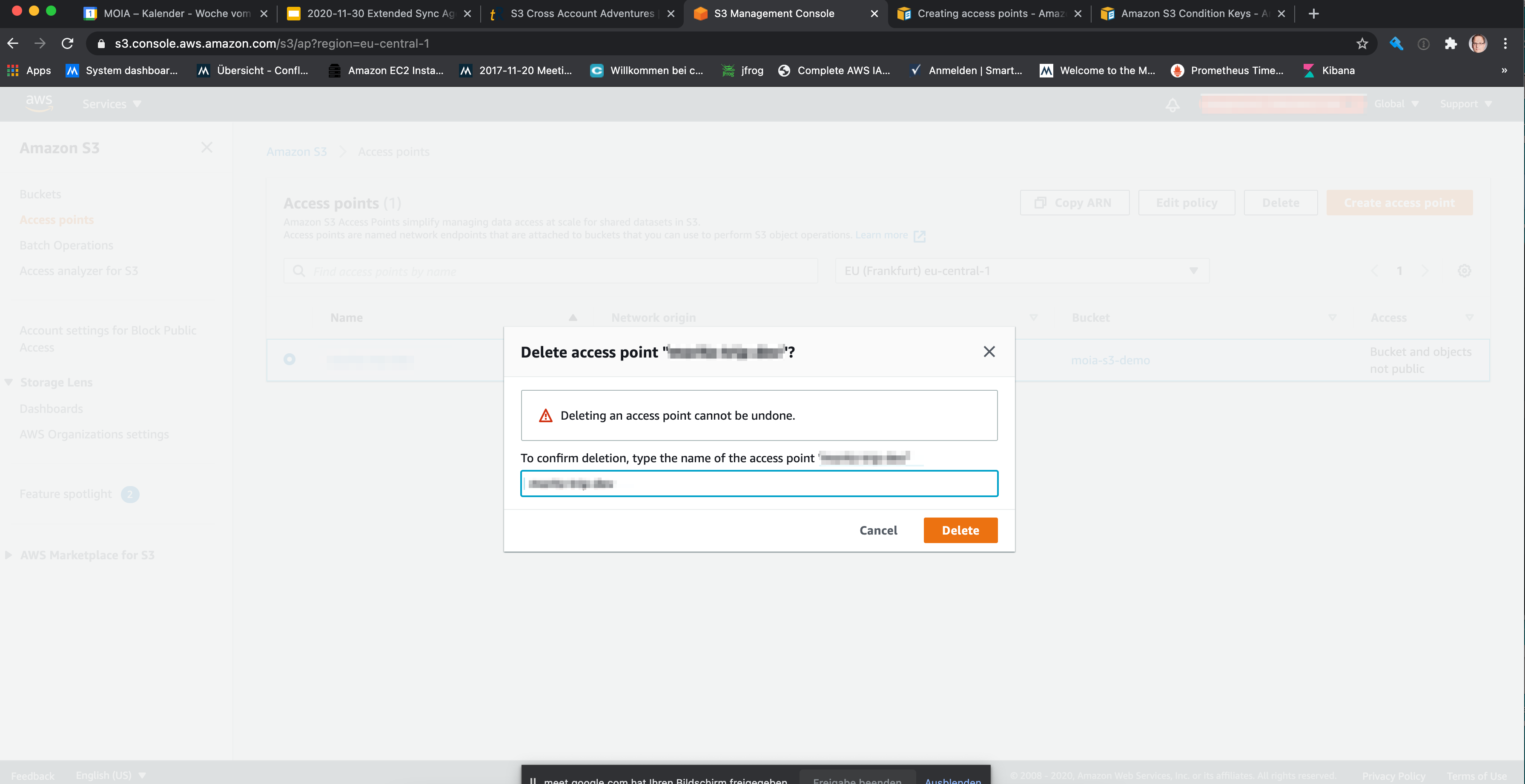
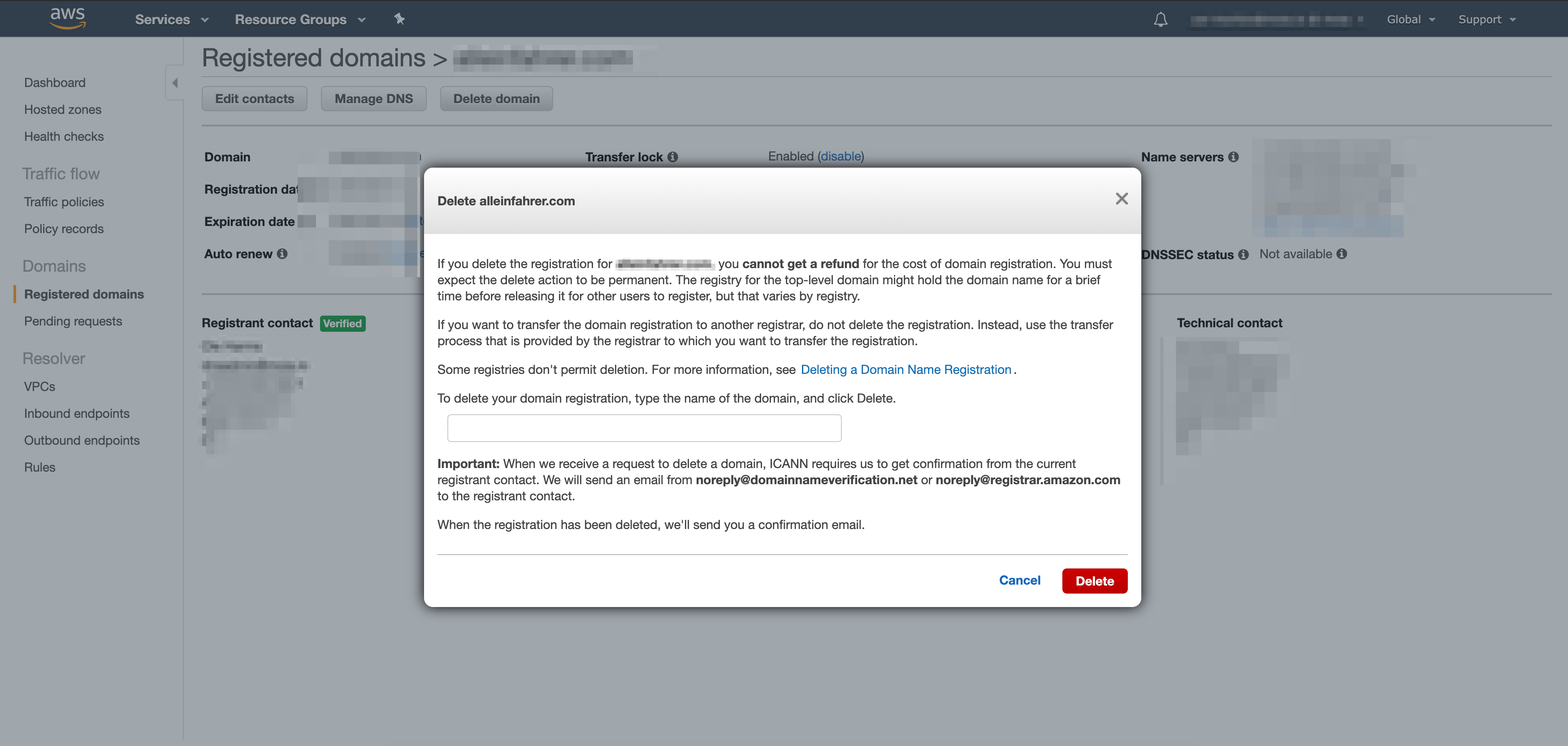
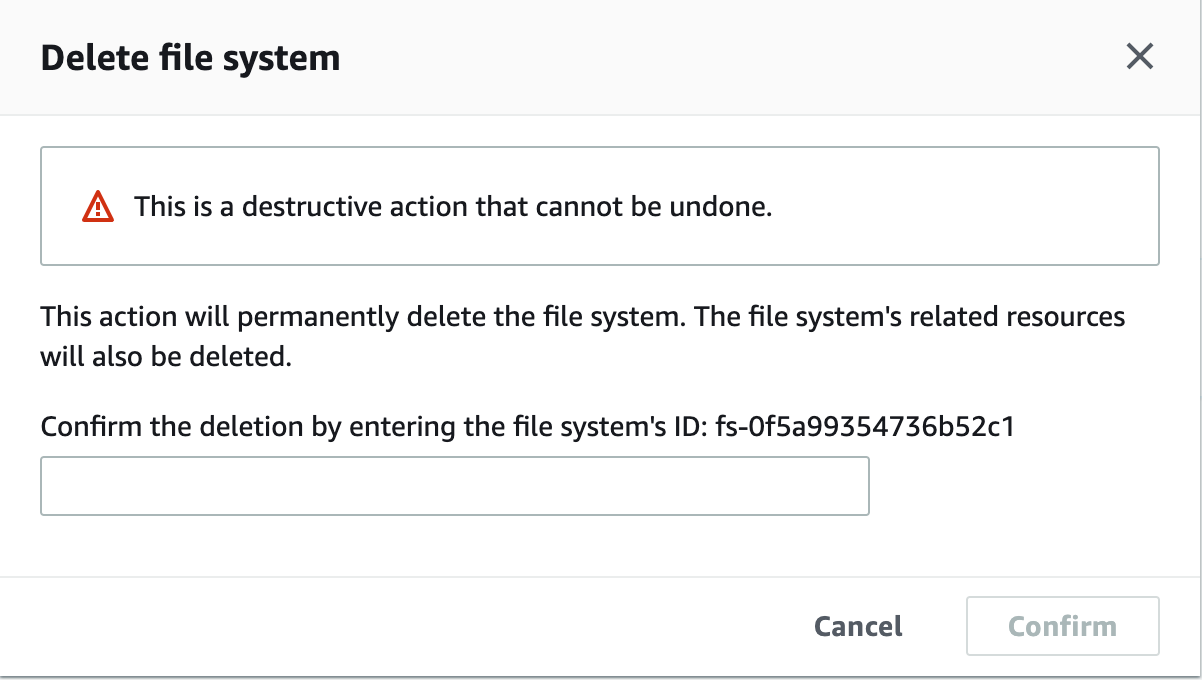
This category is for deletion dialogues which ask the user to type (or more realistic copy&paste) the name or ID of the resource.
- Elastic File System
- Empty an S3 bucket with objects (04/2020)
- S3 Access Point (12/2020)
- Route53 registered domain (03/2020)
- Elastic File System, updated dialogue (10/2022)
That’s it for now. I will keep this post updated with new deletion dialogues. Please feel free to send me your favourite ones! The UI is constantly changing and there are new dialogues all the time.